Candidate screening software - what to check before you choose
Candidate screening software helps you sort a large pile of applications into a short list of people worth meeting, without your team running every first-round call. The best tools give every applicant the same structured interview, score answers against your own criteria, and leave the final decision with a person.
That is the short version. The longer version is that screening tools vary a lot, and the wrong one can make a busy hiring process worse. This guide walks through what to check, in the order that usually matters.
What does candidate screening software actually do?
Short answer: It takes over the repetitive first stage of hiring. That usually means reading CVs, asking the same opening questions and recording how each person answered.
Most tools fall into one of three groups:
- CV and application screening. The software reads applications and matches them to the skills and experience you asked for.
- One-way video interviews. Candidates record answers to fixed questions. Your team watches the recordings later.
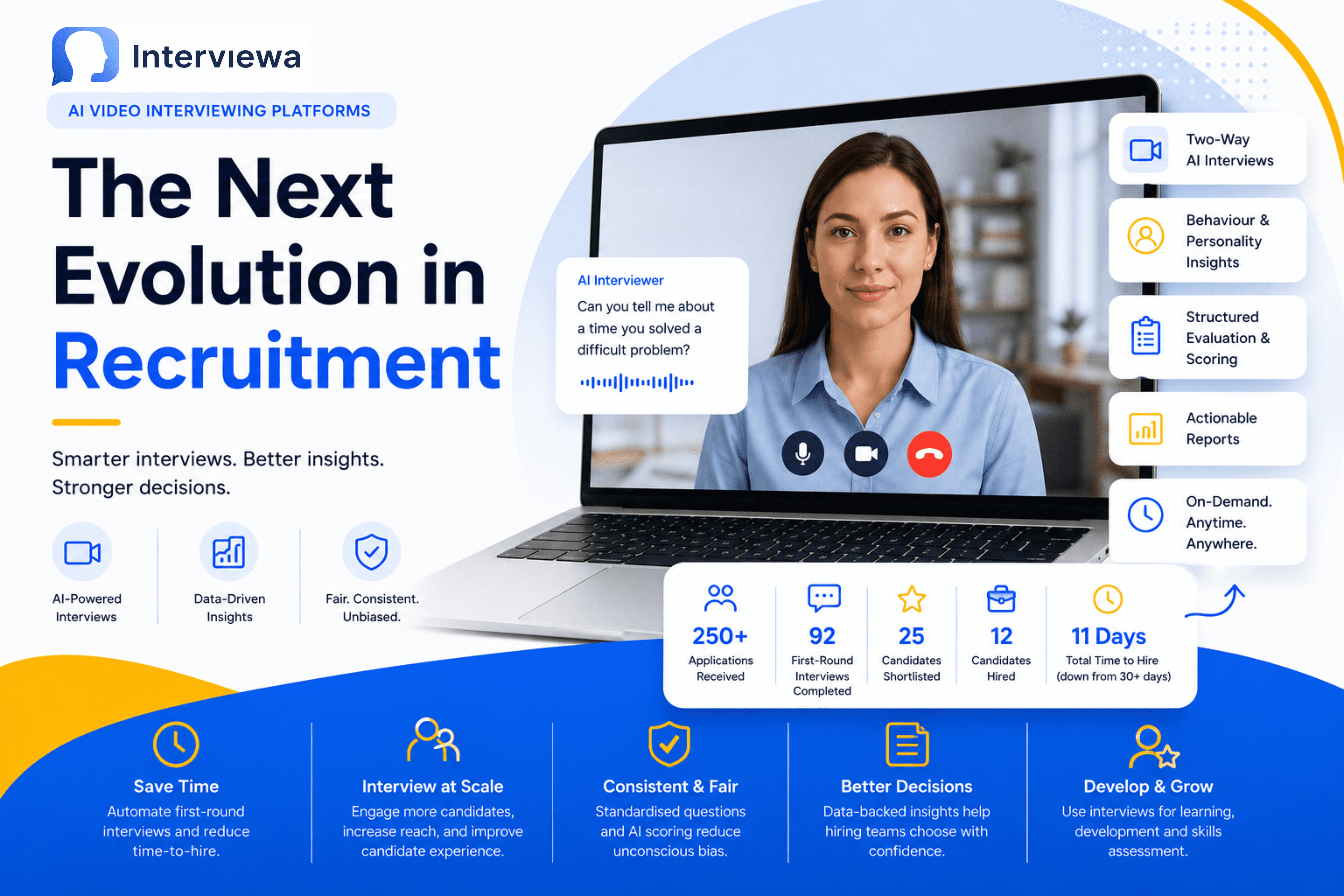
- Two-way AI interviews. An AI interviewer holds a conversation with each candidate, asks follow-up questions and scores the answers against a rubric.
Some platforms do one of these. Others, including Interviewa's AI recruitment interviews, combine CV matching, a structured AI interview and a candidate pipeline in one place.
Which group you need depends on where your time goes. If you are drowning in CVs, start with matching. If the pain is 40 phone screens a week that all sound the same, the interview stage is where software saves the most.
Why does structure matter more than speed?
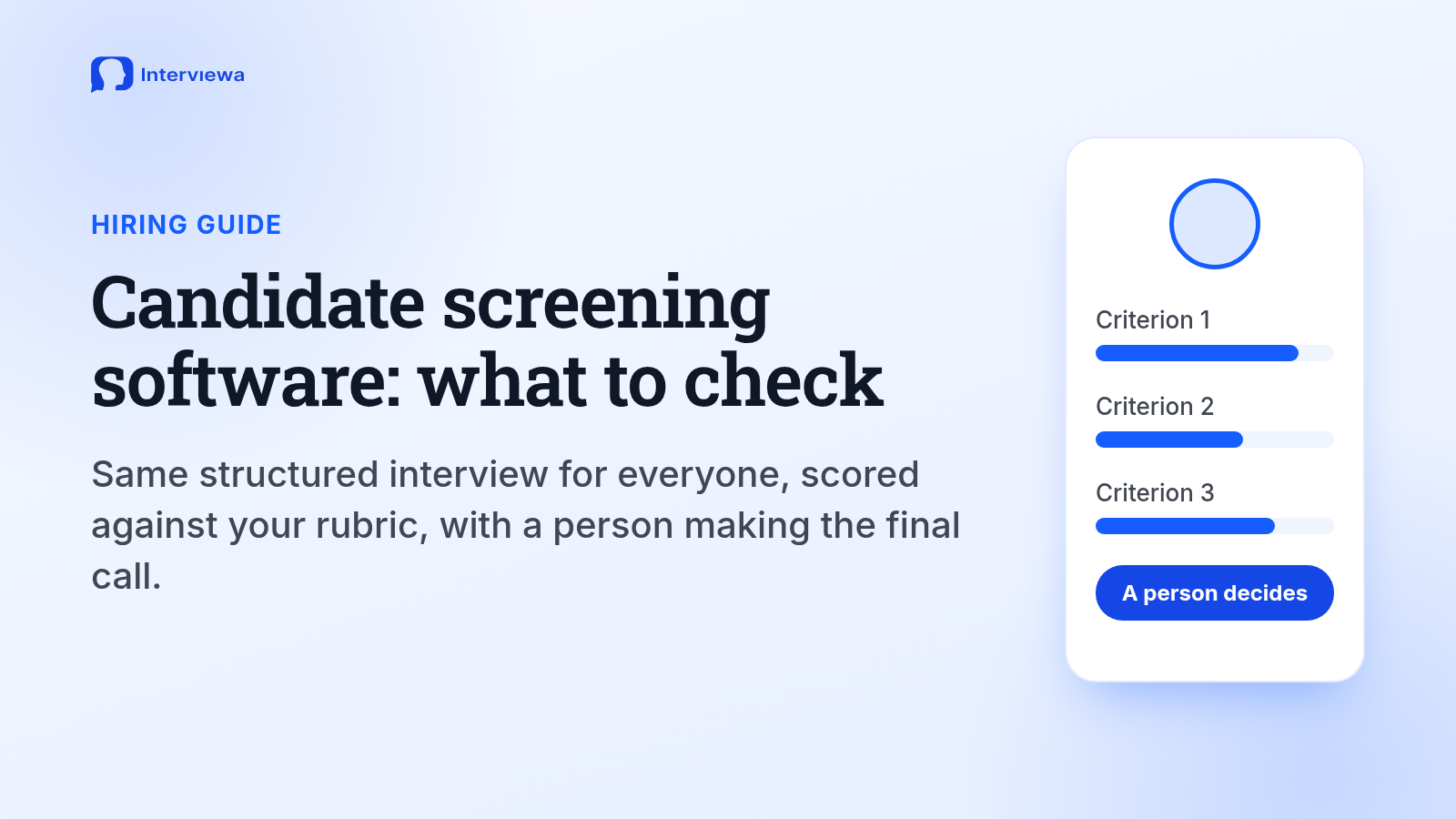
Short answer: Fast screening is only useful if it is fair and consistent. Structure is what makes the results comparable from one candidate to the next.
A structured interview means every candidate gets the same questions, in the same order, and is scored against the same criteria. The CIPD's guide to selection methods recommends exactly this approach, because it reduces the room for gut feel and makes decisions easier to explain.
Unstructured phone screens drift. One recruiter asks about notice periods, another chats about football, a third runs out of time. By Friday you have 30 notes that cannot be compared. Software that enforces structure fixes this almost by accident. Software that only speeds up the old, loose process does not.
So when you look at a tool, ask two plain questions:
- Can I set the questions and the scoring criteria myself, for each role?
- Does every candidate for that role get the same interview?
If the answer to either is no, keep looking.
How do you compare screening tools for high-volume hiring?
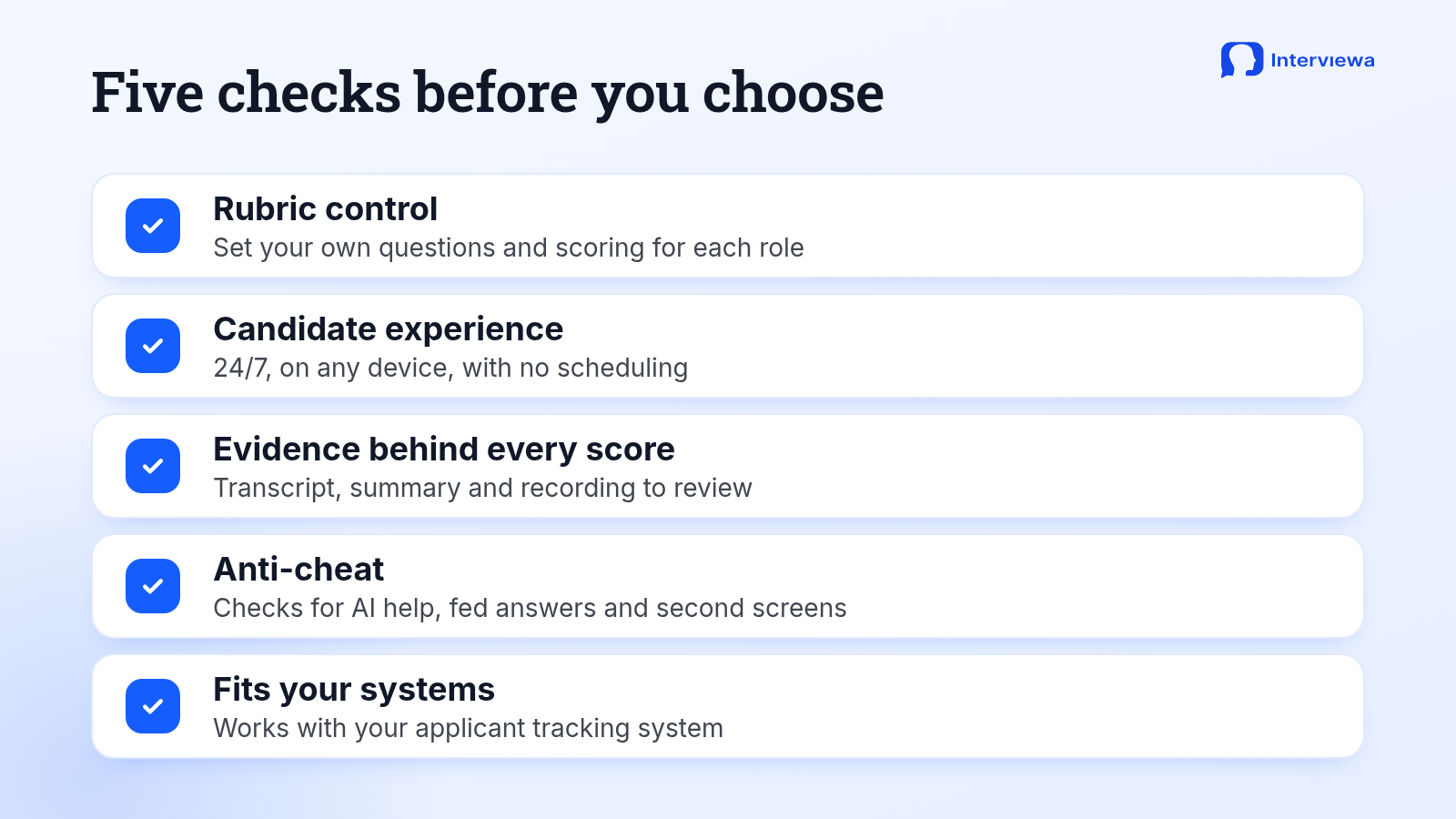
Short answer: Test each tool on one real role. Then check five things: rubric control, candidate experience, evidence behind each score, anti-cheat, and how well it fits your current systems.
1. Rubric control
You should be able to write your own criteria. "Communication" means something different for a contact centre role than for a junior developer. Look for per-role questions and scoring, and for scores you can read, such as 4 out of 5 on "explains technical ideas clearly", rather than a single mystery number.
2. Candidate experience
High-volume roles attract people who are already working, caring for family or applying from another time zone. Screening that runs 24/7, on a phone or laptop, with no scheduling, removes a big drop-off point. Try the interview yourself as a candidate. If it feels cold or confusing to you, it will to them.
3. Evidence behind every score
A score on its own is not enough. Your team needs the transcript, a short summary and ideally the recording, so a reviewer can see why someone scored 3 and not 4. This also matters if a candidate asks how a decision was made.
4. Anti-cheat
AI tools make it easy for a candidate to have answers written for them in real time. A screening tool that cannot spot this will quietly reward the people taking shortcuts. Ask what the platform checks for. Interviewa's on-camera interviews look for AI tools being used to answer, answers being fed by someone else and second screens.
5. Fit with your current systems
If your team lives in an applicant tracking system, invitations and results should flow through it. Interviewa has a ready-made Workable integration and builds custom integrations for other systems. Whatever you choose, ask to see the integration working, not a slide about it.
Who should make the final hiring decision?
Short answer: A person. Screening software should support your team's judgement, not replace it.
This is not only good practice. The UK government's Responsible AI in Recruitment guide sets out checks employers should make before and after buying AI hiring tools. The ICO's Recruitment rewired update makes meaningful human involvement a key focus where automated decisions affect candidates.
In practice, a sensible workflow looks like this:
- The AI interviews everyone and scores answers against your rubric.
- A recruiter reviews the top scorers, plus anyone close to the line.
- A person decides who moves forward, with the transcript and recording to hand.
At Interviewa, a human always makes the final decision in Hiring. The AI builds the shortlist; it does not hire anyone.
What results can screening software realistically deliver?
Short answer: Fewer first-round calls, faster shortlists and more consistent decisions. Be wary of any tool that promises a fixed accuracy figure or guarantees better hires.
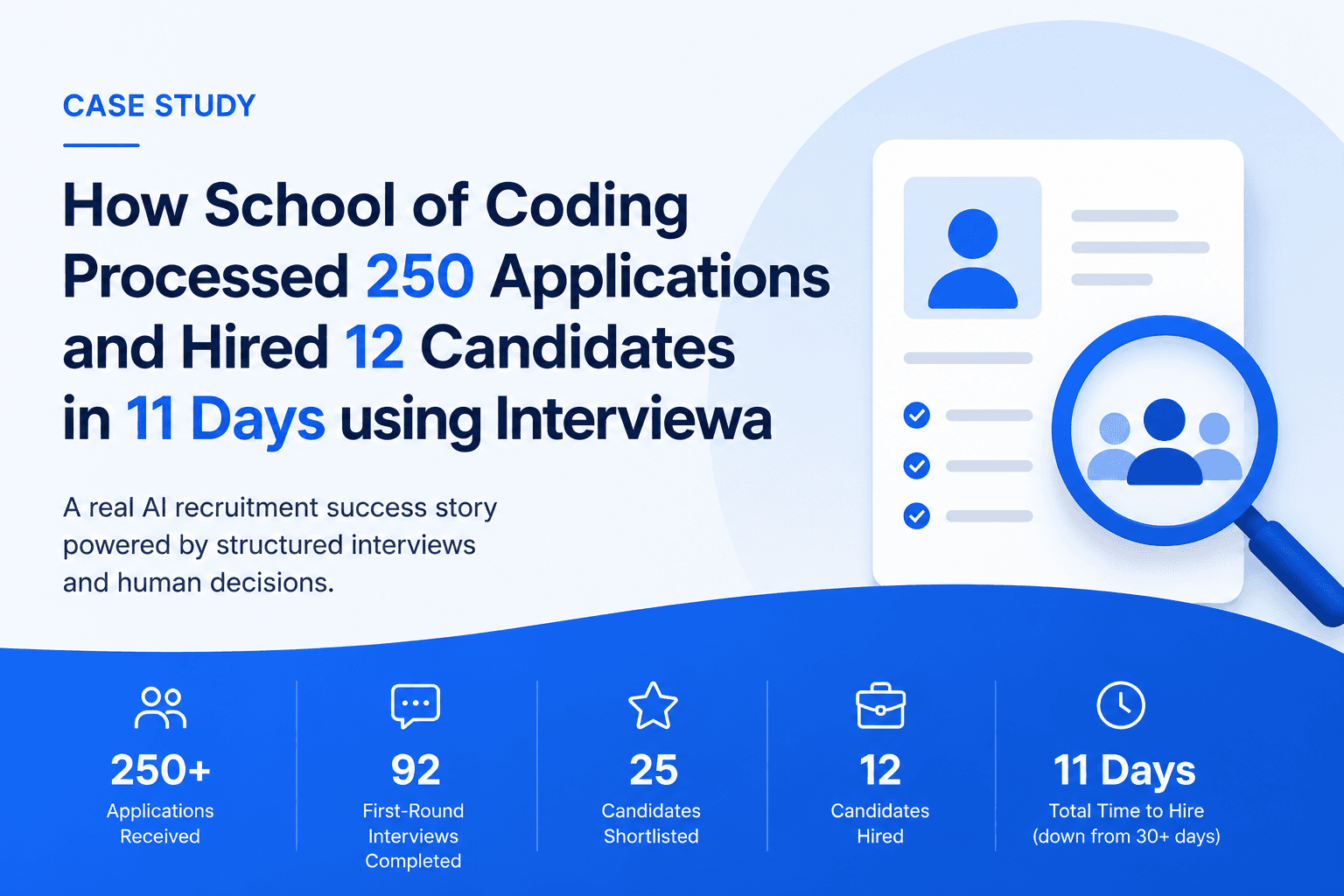
Here is one real example. School of Coding used Interviewa to replace first-round calls with structured AI interviews. They went from 250 applications to 12 hires in 11 days, instead of the 30 or more days it used to take, with about 80% less admin. You can read the full case study here.
What made the difference was not magic. Every applicant got the same interview, at a time that suited them, and the team spent its time on the people most likely to fit.
Your results will depend on your roles, your volume and how well you write the rubric. A good rubric is the single biggest lever you control.
How do you run a fair trial before you buy?
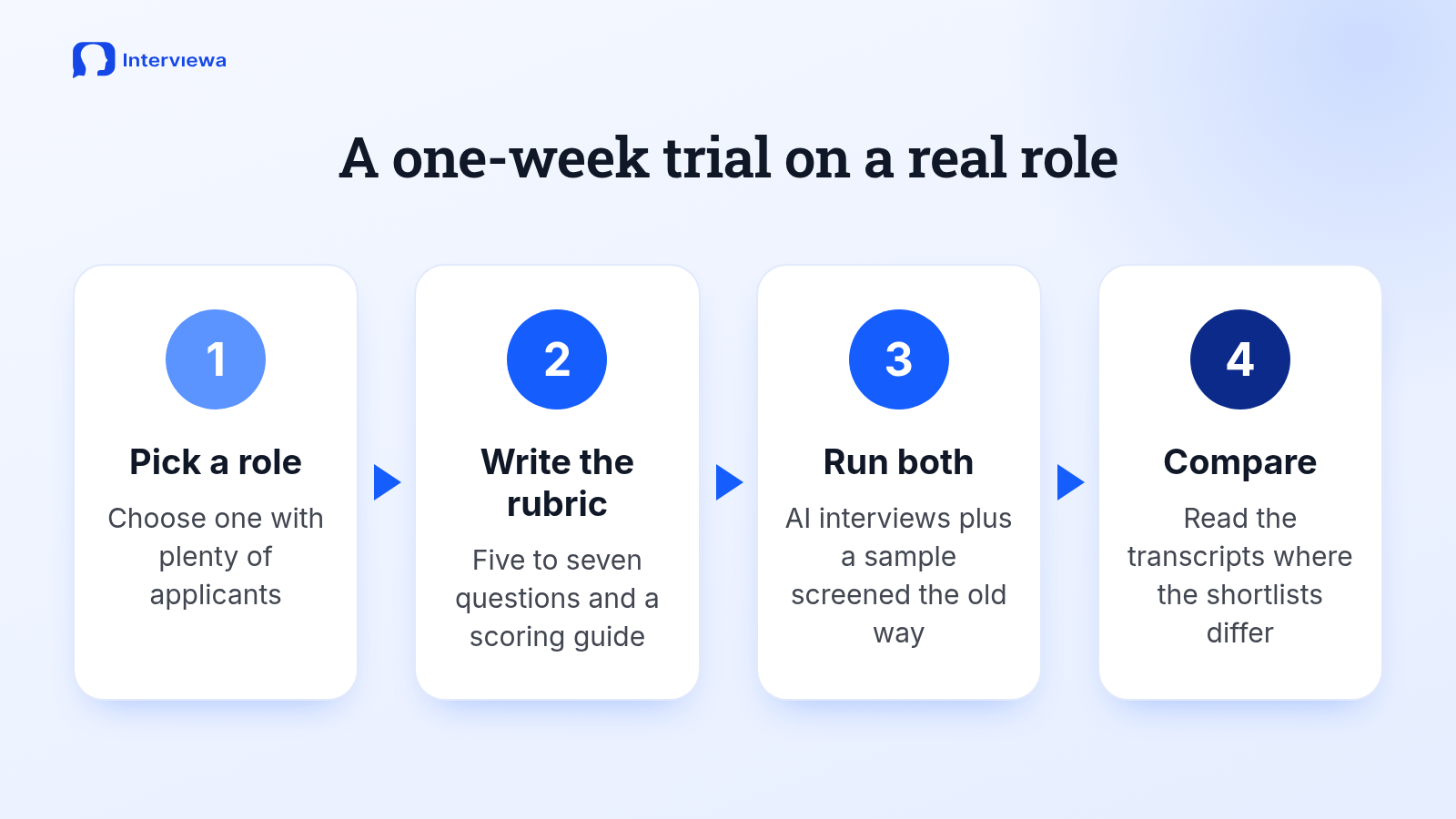
Short answer: Pick one live role, run the tool alongside your normal process for a week, and compare the shortlists.
A simple trial plan:
- Choose a role with plenty of applicants, such as customer service or a graduate scheme.
- Write five to seven questions and a scoring guide with your hiring manager.
- Invite a batch of real applicants to the AI interview.
- Have a recruiter screen a sample of the same applicants the old way.
- Compare the two shortlists. Where they disagree, read the transcripts and ask why.
You will learn more from that week than from any demo. If you want to try this with Interviewa, you can set up a role and get started free.
Frequently asked questions
What is candidate screening software?
Candidate screening software helps employers assess applicants at the first stage of hiring. It can match CVs to a role, run one-way video interviews or hold a two-way AI interview, then score and summarise each candidate for a person to review.
Is AI candidate screening legal in the UK?
Yes, if it is used responsibly. Employers must follow UK GDPR and the Equality Act 2010, be clear with candidates about how AI is used, and keep meaningful human involvement in decisions. The ICO and the UK government have both published guidance on this.
Does AI screening remove bias?
No tool removes bias completely. Structured interviews help by asking everyone the same questions and scoring them against the same criteria. You should still check results across groups and review borderline candidates yourself.
How is a two-way AI interview different from a one-way video interview?
In a one-way video interview, candidates record answers to fixed questions with no response. A two-way AI interviewer, such as Eve, Interviewa's default AI interviewer, holds a conversation and asks follow-up questions, much like a first-round interviewer.
Can screening software work with my applicant tracking system?
Many tools integrate with common systems. Interviewa has a ready-made Workable integration and offers custom integrations, so invitations and AI interview summaries can sit inside your existing workflow.
How long does it take to set up?
For most roles, setting up questions and a rubric takes under an hour. The slower part is agreeing what "good" looks like with the hiring manager, which is worth doing whatever tool you use.
Try it on one of your own roles
The quickest way to judge candidate screening software is to watch it handle a real role. Interviewa gives every applicant the same structured AI interview, scores answers against your rubric and keeps a person in charge of every decision. It is GDPR compliant and Cyber Essentials certified.
Get started free, or see how it works on the recruitment interviews page.